

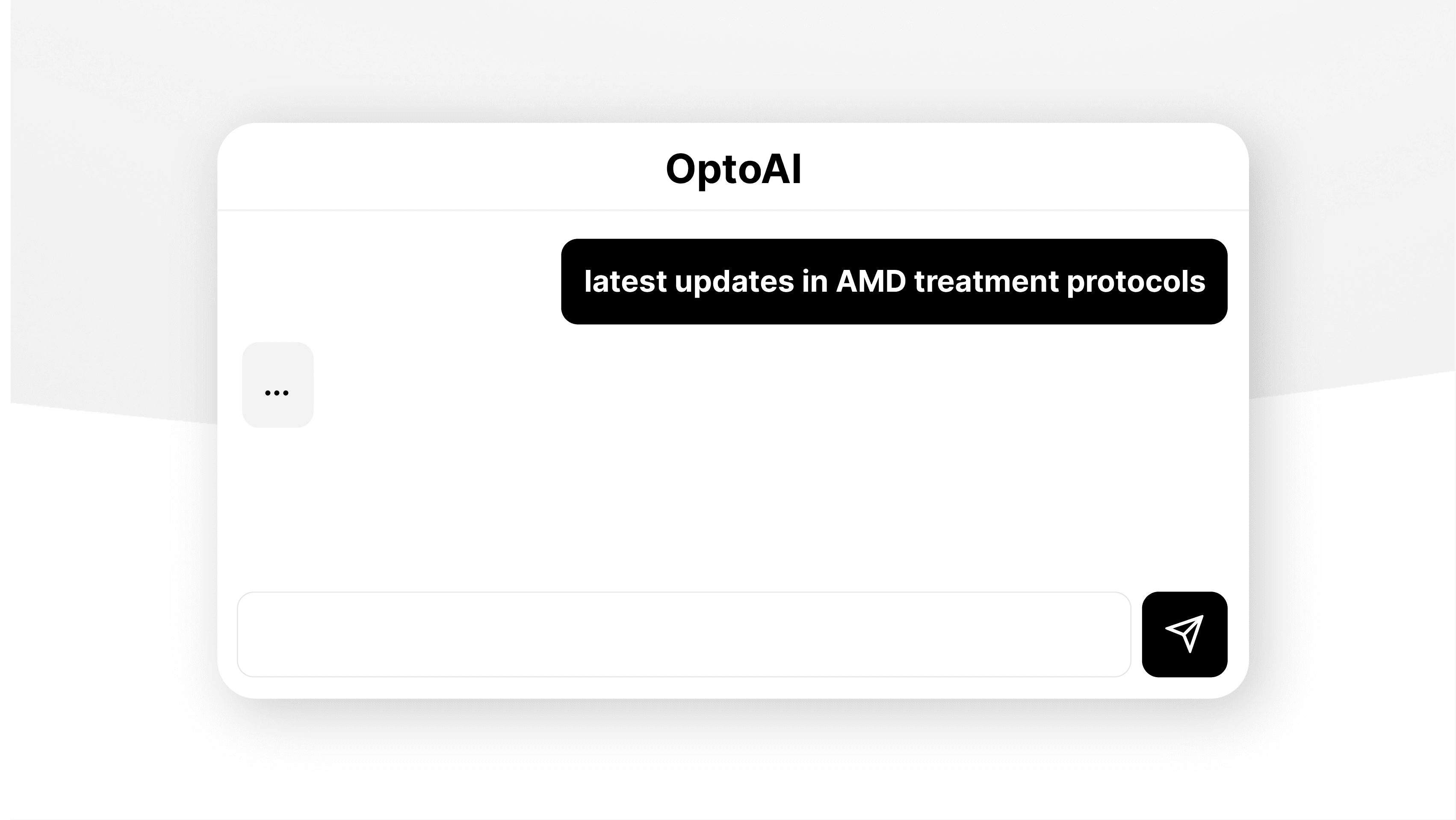

OptoAI is becoming Flovio
When I launched OptoAI just over a year ago, the goal was simple: give optometrists a clinical assistant that actually understood their world. Differential diagnoses, vertex compensation, disease management, plan writing — the kind of stuff a general-purpose chatbot fumbles unless you babysit every prompt.
That launch went well. Better than I expected, honestly. And along the way, the same question kept coming up from early users: "What about templates? What about lensometry? What about the rest of the practice?"
OptoAI was built to be a single tool. But the problems optometrists kept asking me to solve weren't a single tool. They were a platform.
So OptoAI is growing up. Today I'm excited to introduce Flovio — the new name for what OptoAI is turning into, and the home for everything we're building next.
What is Flovio?
To be clear up front: nobody bought us. Flovio is the same project, same team, same code — just expanding past what the name "OptoAI" can fit. When I started, "OptoAI" was the company and the product. Now I need a name that can hold more than one product, so the company is becoming Flovio.
Flovio is a software platform for optometry. OptoAI — the AI clinical assistant you've been using — is now the first product under the Flovio umbrella. It's still called OptoAI, it still works the same way (just better — see below), and it still lives at the same login. The change is what's around it: more products are on the way, and they'll all live alongside OptoAI under Flovio. Think of it the way you'd think of a practice management suite: one login, one billing relationship, one place to find every tool we make for your clinic.
You don't need to do anything. Your account, your subscription, and your chat history carried over automatically — same login, same data, just a new brand around it (and, as of this update, a meaningfully smarter OptoAI underneath).
What changed in this update
The rebrand was the easy part. The bigger news is what we've shipped in OptoAI itself over the last few weeks.
A sharper AI model
OptoAI is now running on GPT-4o, the latest generation of OpenAI's flagship vision-capable model. In practice this means responses are faster, more accurate on clinical edge cases, and — importantly — the model can now see images, which unlocks the next thing on this list.
Image uploads (yes, finally)
You can now attach images directly to your chat messages. Lensometer screens, autorefraction printouts, OCT scans, fundus photos, anterior segment photos, topography maps, lab reports, referral letters — paste them in, drag them in via the paperclip button, or shift-select a few at once.
A few details we sweated:
- Up to 5 images per message. Enough for a real case workup (lensometer + autorefraction + a fundus, say), but capped because vision models lose accuracy when you flood them.
- Paste support.
Cmd+V(orCtrl+V) into the chat box with an image on your clipboard just works. No need to save it to your desktop first. - Document type hints. When you attach an image, you can tell OptoAI what it is — "Lensometer reading," "OCT scan," "Fundus photo," etc. — so the model knows how to interpret it instead of guessing.
- Click any image to view it full-size. Both the pending thumbnail in the input area and any image in the conversation history.
A built-in image redaction editor
Every image you upload goes through a mandatory redaction editor before it leaves your browser. You can draw black boxes over patient names, MRNs, dates of birth, or anything else that shouldn't be in the upload. You can crop. You can undo. You can pick the document type. Only after you click Save & Attach does the redacted version get uploaded.
This is intentional. We talk about why in the next section.
Chat history
Conversations are now saved automatically. Every chat you start gets persisted to your account, and you can pull up past sessions from the history button at the top of the chat. Switch between modes, jump back to yesterday's differential, pick up a plan you started earlier — it's all there.
Click New chat when you want a clean slate.
Smarter clinical modes
OptoAI's four chat modes — General, Differential Diagnosis, Disease Management, and Plan Writing — got a prompt rewrite. The short version: each mode now adapts its depth to what you actually asked.
- General stays terse for quick lookups but goes deep when you ask a clinical question.
- Differential Diagnosis still walks through ranked possibilities with reasoning.
- Disease Management gives you the structured workup (diagnosis, workup, treatment, monitoring, patient education) every time.
- Plan Writing produces clean, copy-pasteable assessments and plans.
Tool indicators with explanations
When OptoAI uses one of its built-in calculators — vertex distance compensation, sphero-cylindrical transposition, etc. — you'll see a small badge in the response showing which tool ran. Hover the info icon and you'll get a one-line explanation of the formula being used. No more wondering whether the model just made the math up.
Inline copy buttons for prescriptions
Anywhere OptoAI prints an Rx like -3.50-1.25x180, you'll see a small copy button next to it. Spherical Rx values
automatically collapse to just the sphere with a "DS" suffix, the way you'd actually write it on a chart.
A note on privacy and PHI
This is the part that matters most, so I want to be direct: Flovio is not currently HIPAA-compliant.
We use Vercel for hosting and OpenAI for the AI model. Neither relationship is currently covered by a Business Associate Agreement (BAA) on our plan. That means you should not upload anything containing protected health information — no patient names, no DOBs, no MRNs, no chart headers.
Before you can attach your first image, you'll see a dialog explaining this and asking you to acknowledge it. Every 30 days you'll be asked again. The redaction editor exists specifically so you can scrub identifiers before anything is uploaded — it's the line of defense between you and the model seeing PHI.
Pursuing the BAA path with OpenAI's enterprise tier and Vercel's healthcare contract is on our roadmap. We'll tell you the moment that lands. Until then, the gate stays up and the redaction step stays mandatory.
What's coming next
A few things are already in flight:
- PDF support for chat attachments, with the same kind of redaction editor we built for images
- More clinical tools — myopia control, contact lens fitting, IOL calculations
- Templates and forms that integrate with OptoAI, so you can hand off a draft assessment and get back a polished plan
- The HIPAA-compliant stack, which is the unlock for the kind of features (chart-aware drafting, intake summarization) that we can't responsibly ship today
Try it out
If you've been using OptoAI, just log in — everything is already there, now under the Flovio umbrella. If you're new, you can try Flovio (and OptoAI inside it) at flovio.app and see whether it earns a spot in your daily workflow.
As always, OptoAI's responses are a tool, not a replacement for clinical judgment. Use it the way you'd use a sharp colleague who's read every paper but never actually seen your patient.
— Aaron